
I Built My Own Video Downloader — No Ads, No Watermarks, Three Platforms
Fed up with ad-infested download sites, I built a clean local tool that downloads TikTok, Instagram, and X videos without watermarks. Here's how the provider chain, proxy download, and caching work — conceptually.
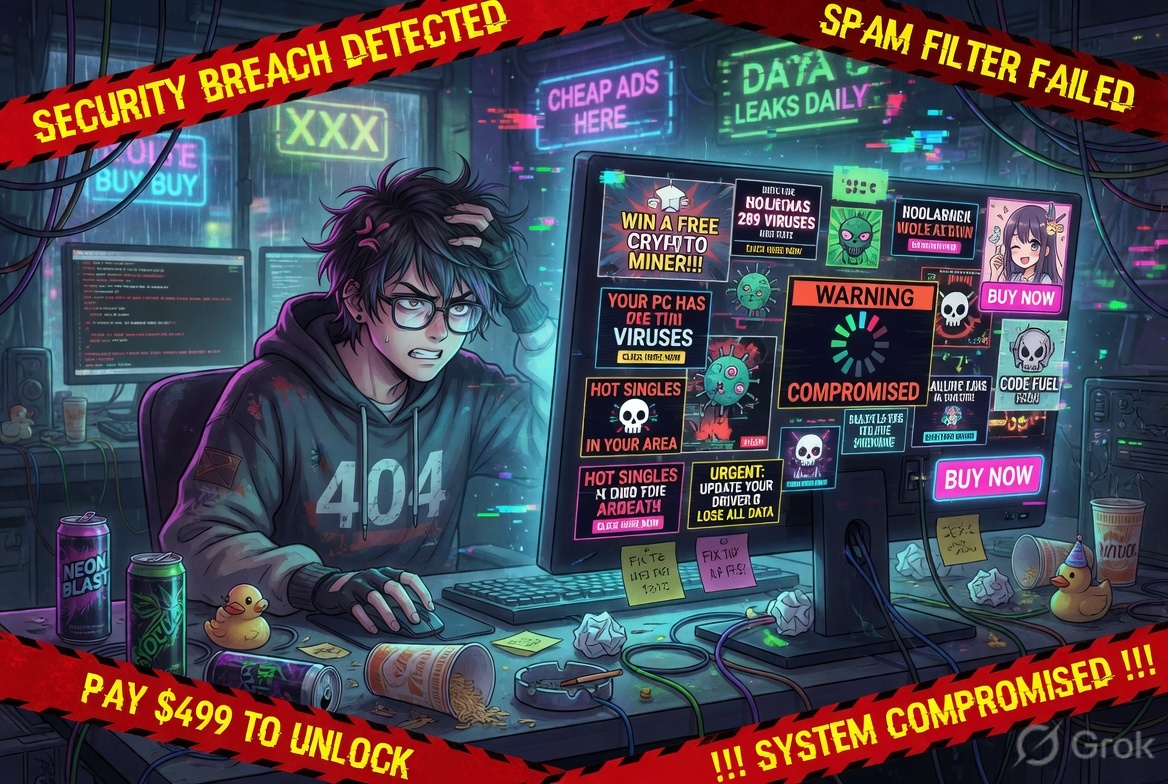
Every video download site I tried felt like navigating a minefield — five ad clicks to reach a button that triggers another redirect. So I stopped using them and built a clean local tool that handles TikTok, Instagram, and X in one paste.
No watermarks. No ads. No accounts. Just a URL.
~6 min read · Node.js + React · conceptual deep-dive
The Problem With Every Downloader Site
You find a TikTok video you want to keep. Maybe it's a tutorial, a recipe, a clip you want to share somewhere offline. You Google "download TikTok without watermark" and click the first result. What follows is a ritual:
This happens on nearly every popular downloader site. They're monetised almost entirely through advertising, and the UX is designed to maximise your exposure to that advertising — not to help you download a video. The actual download logic underneath all that noise is usually a single API call.
So I asked myself: how hard would it actually be to build a clean version of this for personal use?
What I Actually Wanted
Three things, nothing more:
No watermark, always
The tool should try its hardest to get a watermark-free file. If it can't, it tells you — it doesn't quietly give you the watermarked version pretending it's clean.
Support the platforms I actually use
TikTok, Instagram, and X (Twitter). Paste any URL from any of these three and it should just work.
Zero friction interface
One input, one button. No accounts, no CAPTCHAs, no ads. It runs locally so there's nothing to sign up for.
How It Works — The Conceptual Picture
The tool is split into two halves: a lightweight React frontend and a Node.js backend. The frontend is just the URL input box. All the interesting logic lives in the backend.
Here are the five things that happen the moment you paste a URL and hit Download:
Step 1 — Figure Out Which Platform You're On
The very first thing the backend does is inspect the URL and decide: is this TikTok, Instagram, or X? Each platform has its own URL patterns — including short links, mobile URLs, and regional variants — and the tool checks all of them.
If the URL doesn't match any of these, the backend rejects it immediately with a clear error before wasting any time trying to fetch something it can't handle. No silent failures.
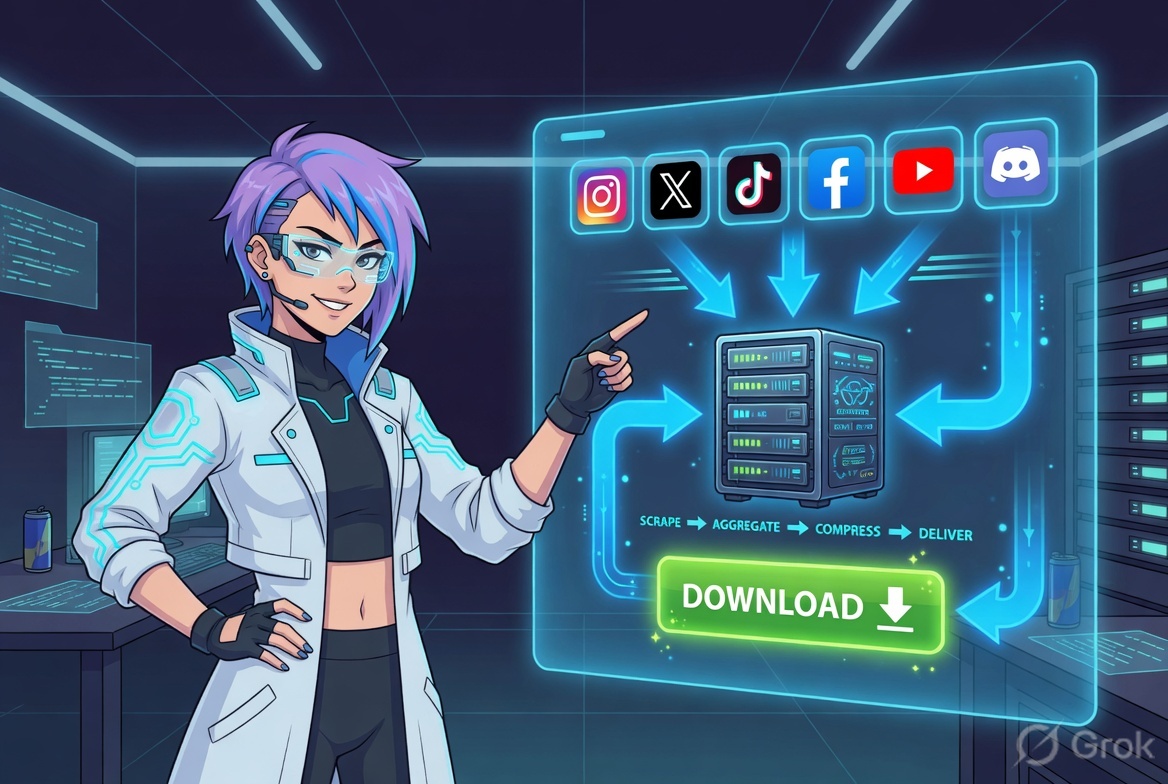
The backend runs through a short chain: detect → resolve → try providers → cache → serve
Step 2 — Resolve Short Links
TikTok in particular loves to generate short share links like vm.tiktok.com/AbcXyz. These redirect to the full video URL, but the download providers need the real URL to work with. So the backend follows up to five redirects to resolve the final destination before doing anything else.
Step 3 — The Provider Chain
This is the core of the tool. The backend doesn't rely on a single source for the download link — it tries multiple providers in order, and only moves to the next one if the previous failed.
The first provider, TikWM, is a public API that's fast and usually returns an HD, watermark-free file. But it occasionally struggles with newer videos or private content. That's when yt-dlp steps in — a powerful open-source tool that knows how to extract media from hundreds of platforms, and is updated constantly as platforms change their serving behaviour.
Step 4 — The Proxy Download
Here's a detail that actually matters for reliability: the tool doesn't give your browser a direct link to TikTok's CDN or Instagram's servers. Instead, it registers a short-lived secure token that points back to the Node backend. When you click download, your browser hits the backend's own /api/file endpoint, which streams the video directly to you.
Why does this matter? Direct CDN links from social platforms often include authentication tokens or short expiry times. They also sometimes block downloads when accessed directly from a browser outside the platform. Running the stream through the backend sidesteps both issues — and means the download starts with a clean filename instead of a jumble of CDN parameters.
Step 5 — Caching
Once a video URL has been resolved and a download link extracted, the result is cached in memory for 30 minutes. If you (or someone else on the same local instance) pastes the same video URL again within that window, the backend returns the cached result instantly — no API calls, no yt-dlp process, just the stored answer.
The Result
What this adds up to in practice:
No-watermark first, always
The tool tries every avenue for a clean file before falling back. The fallback is clearly labelled.
Fast on repeat URLs
Same video twice within 30 minutes? Instant response from the in-memory cache.
Audio extraction too
The tool also surfaces the audio-only track when available — useful for saving music from TikTok.
No external accounts
Runs entirely locally. Nothing to log into, nothing phoning home, no API keys required.
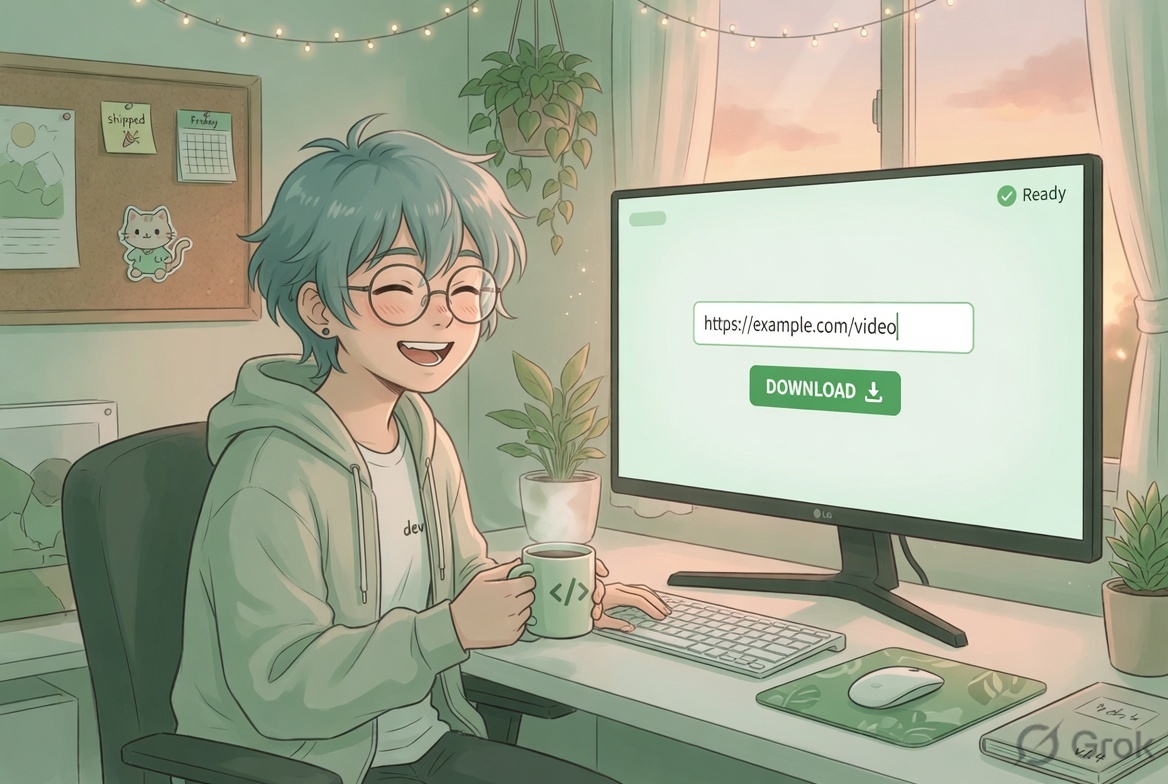
One URL input, three download buttons, zero pop-ups. That's the whole interface.
What's Next
The tool is currently running locally but I'm planning to deploy it on curiousbit.netlify.app so anyone who wants a clean download experience can use it without having to run Node themselves. The architecture is already production-ready — it's just a matter of pointing it at a hosting environment and wiring up the environment variables.
A few things I'd like to add before making it fully public: rate limiting per IP (to avoid abuse), a simple download history in the UI, and potentially Instagram Stories support which currently needs a different extraction path.
npm install && npm run dev away.Over to you: Have you ever got fed up enough with a broken web experience that you built your own alternative? I'd love to hear what you made — or whether you'd actually use a clean, ad-free downloader like this if it were publicly hosted. Drop your thoughts below or find me on LinkedIn.

About the Author
Ajay Walia
AI {IT Architect} focusing on local-first multi-agent AI engineering, zero-data-egress systems. Ideator, Creator and Executor on Curious Bit.
Keep Reading
Camera Roll to Caption — Python Pipeline, Vision Model for Photo Tags
A small structured review seam beats blind automation. The case study: a two-stage Python tagger that turned 35 garden HEICs into captioned posts, with 97% acceptable output after thirty seconds of human review.

Attention Is All You Need — The Paper That Rewired AI
The 2017 paper that killed RNNs, invented the Transformer, and launched the modern AI era — explained for beginners and intermediates with 11 original manga panels.

OpenAI Just Killed the Voice Assistant — And Built Something Far More Dangerous
GPT-Realtime-2 doesn't just answer questions — it reasons out loud, calls tools mid-sentence, and translates 70 languages live. The voice assistant era is over. The voice agent era has begun.